Microsoft Rewards Community
The Community Page partly existed in the Microsoft Rewards dashboard, but it had no real purpose or functionality. With my product manager, I defined its framework and full end-to-end experience, then designed it to fit the dashboard.
The goal was a personal network inside Rewards to interact with, compete against and bond with, connected across every Rewards endpoint through your Microsoft account, like Xbox.
- Role
- UI/UX design lead
- Services
- UX designUI designWireframing
- Client
- Microsoft Bing
- Team
- 1 product manager, 1 designer
- Year
- 2019
Outcome
The community page was shelved in development, but Refer a Friend, part of the original project, shipped. The fundraising idea grew into its own dedicated experience, the Give with Bing program.
Three features
The community was built around three ways to take part.
- Refer a friend
- Earn more points through referrals, with points for both people, growing a social community around Rewards.
- Ask and give points
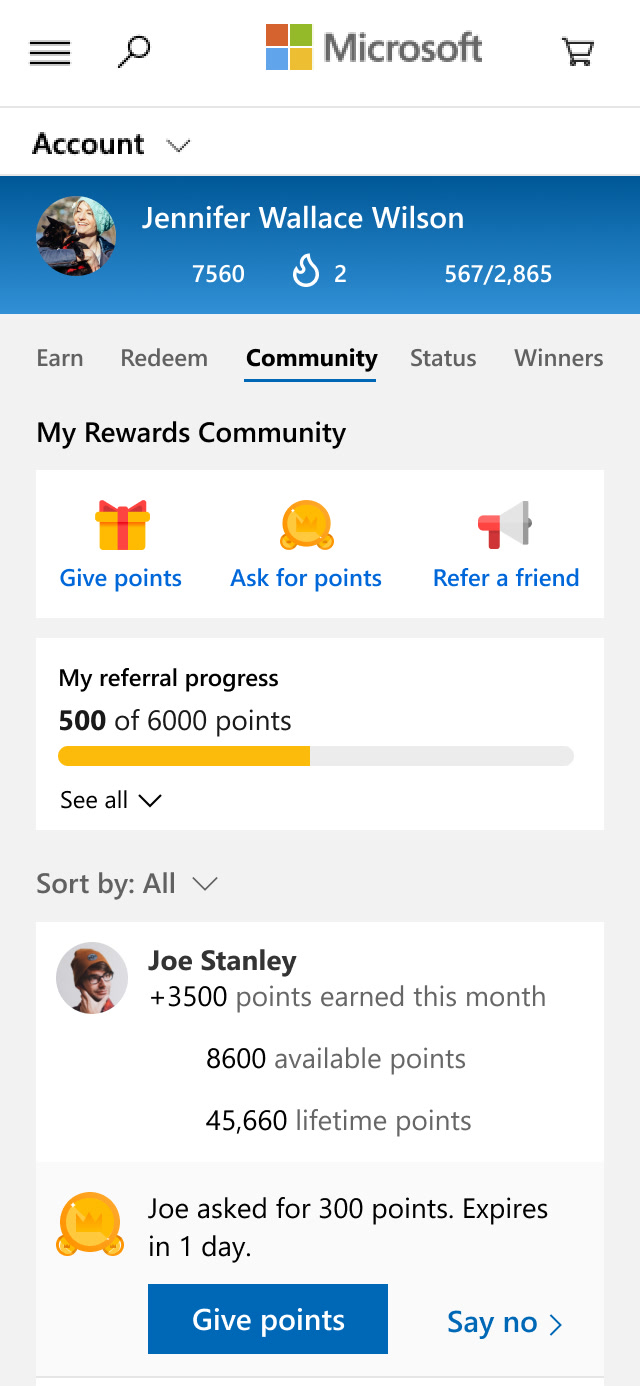
- Ask your community for points, or give some, to help each other reach Rewards goals and bring a sense of sharing.
- Fundraising
- Before Give with Bing existed, donating points to fundraisers, an underused part of Rewards.



Finding the direction
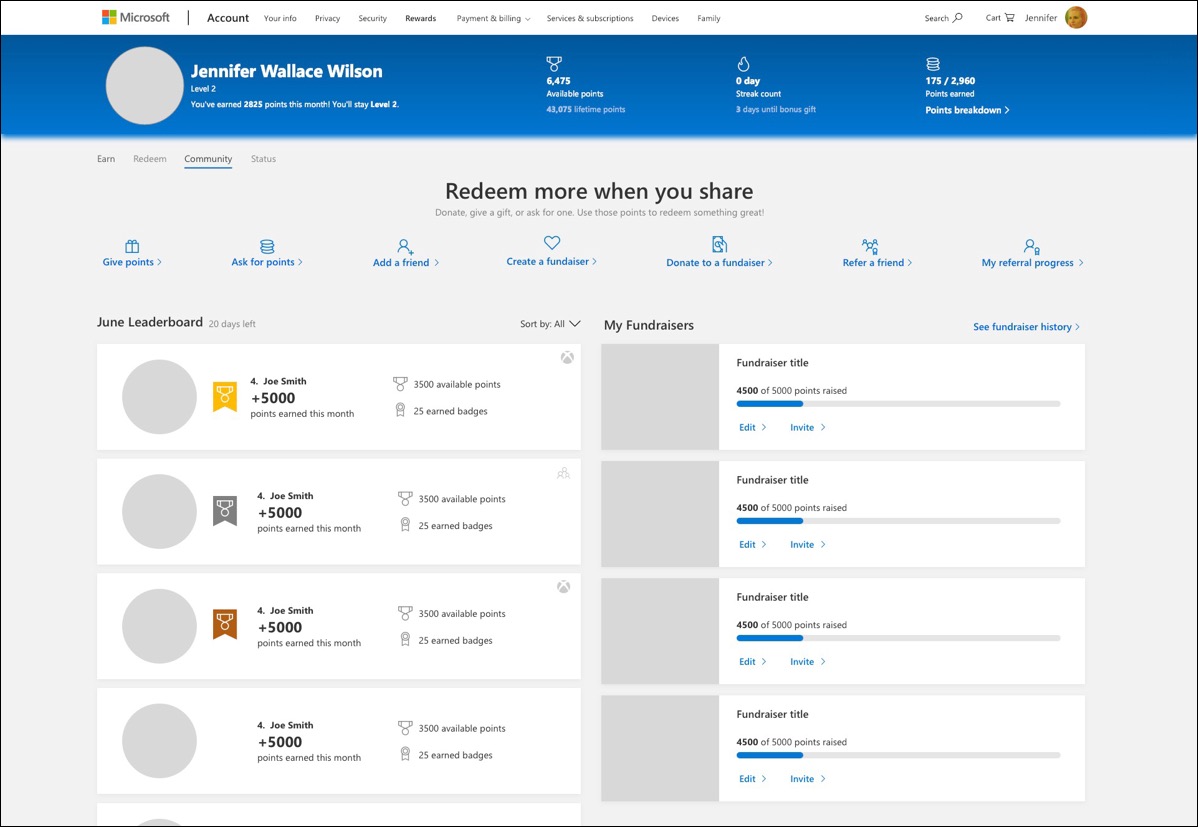
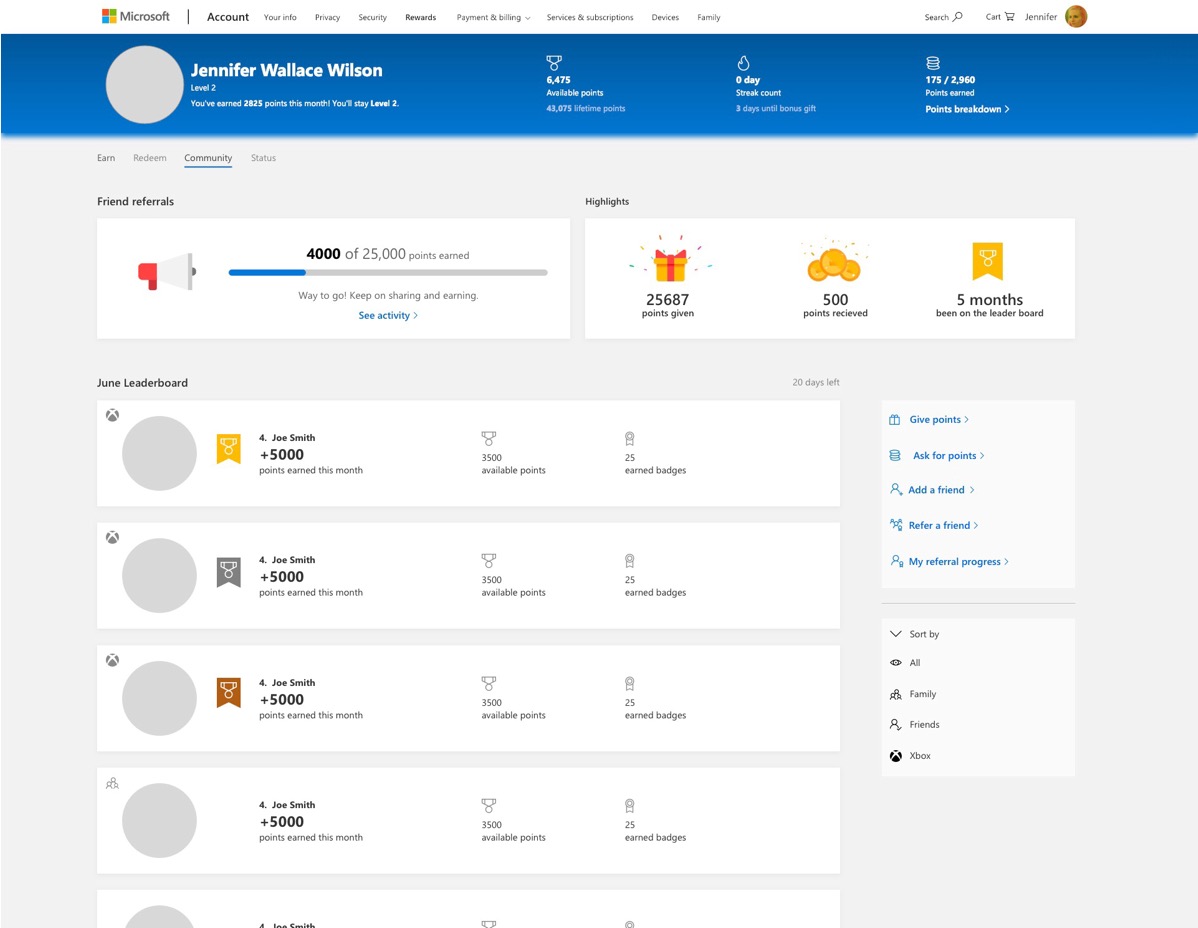
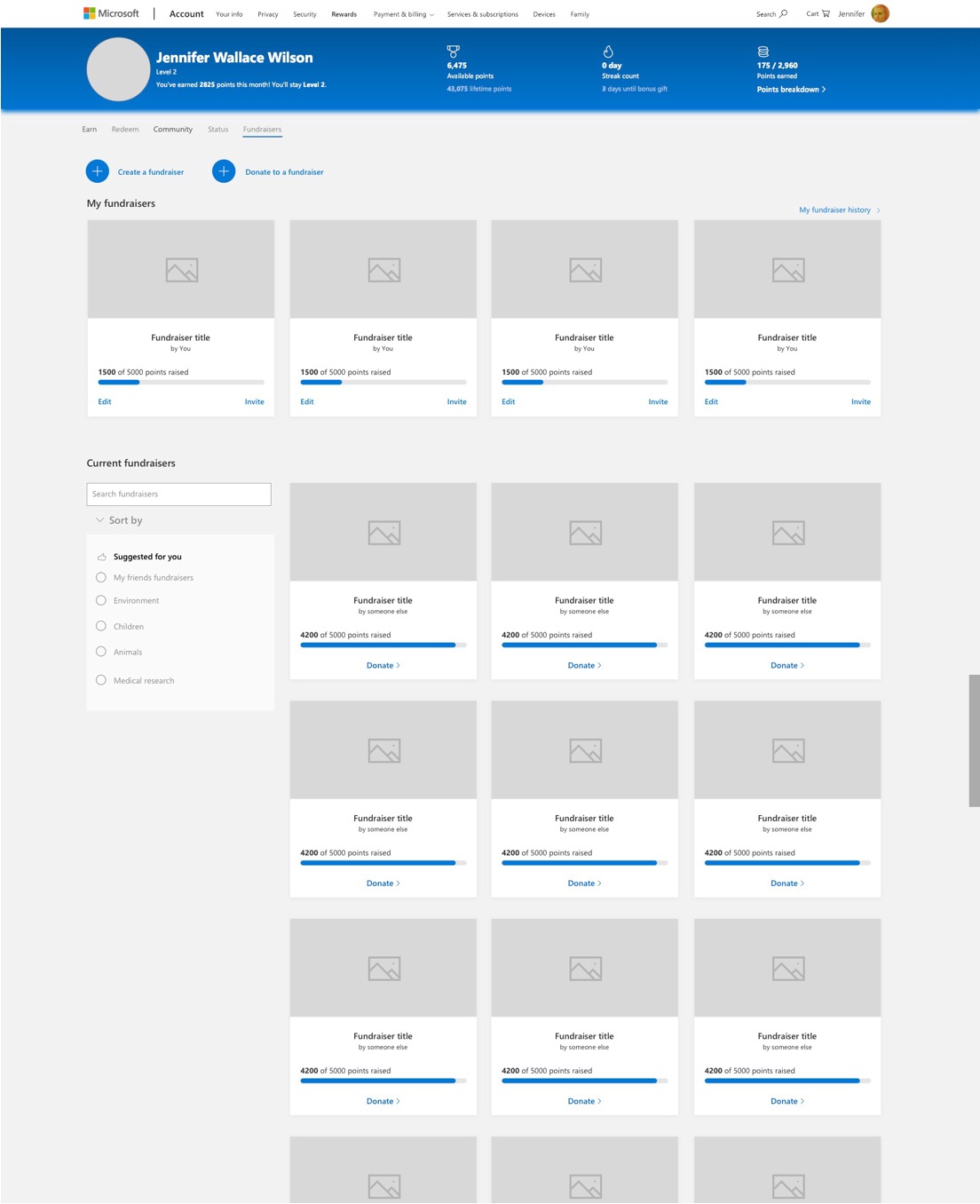
Fundraising was added to the page, but it didn't fit a personal leaderboard. I explored three directions to settle it, and we moved fundraising into its own experience, which became Give with Bing.
First visit
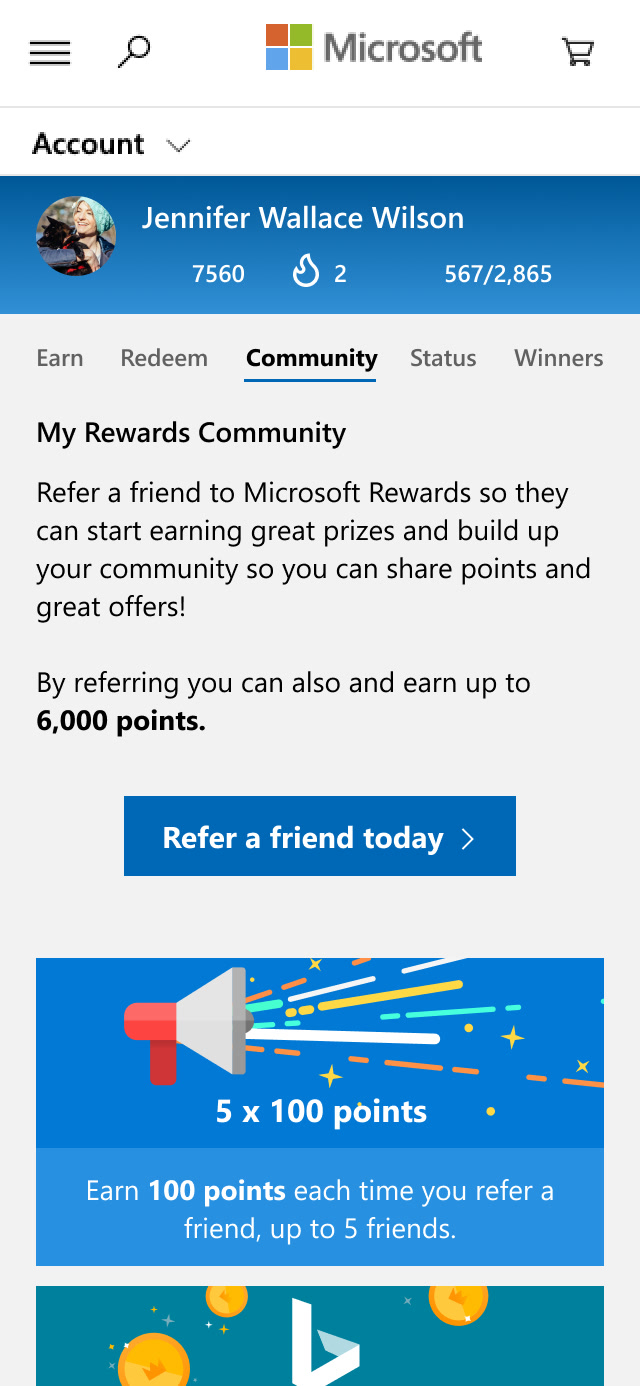
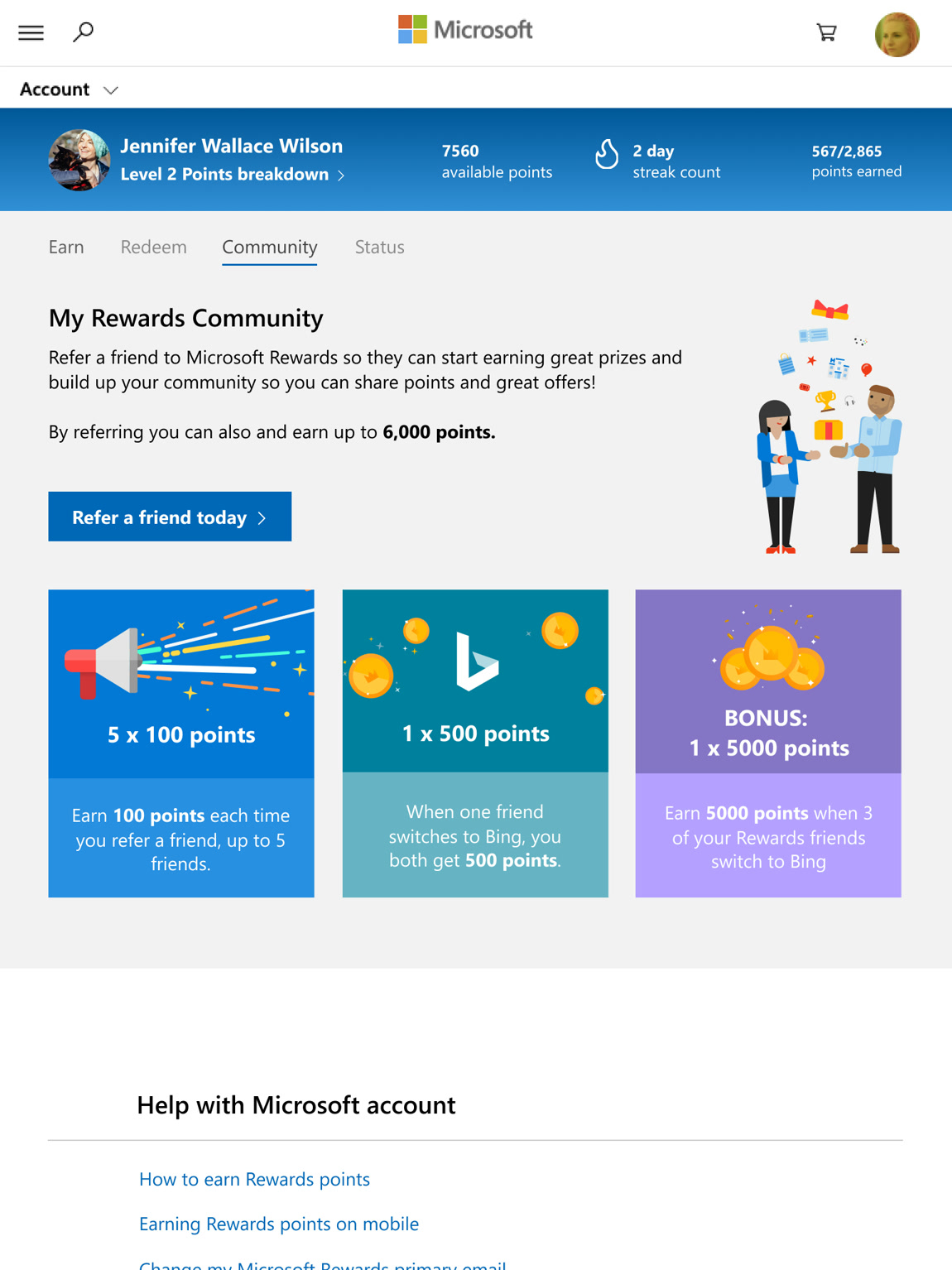
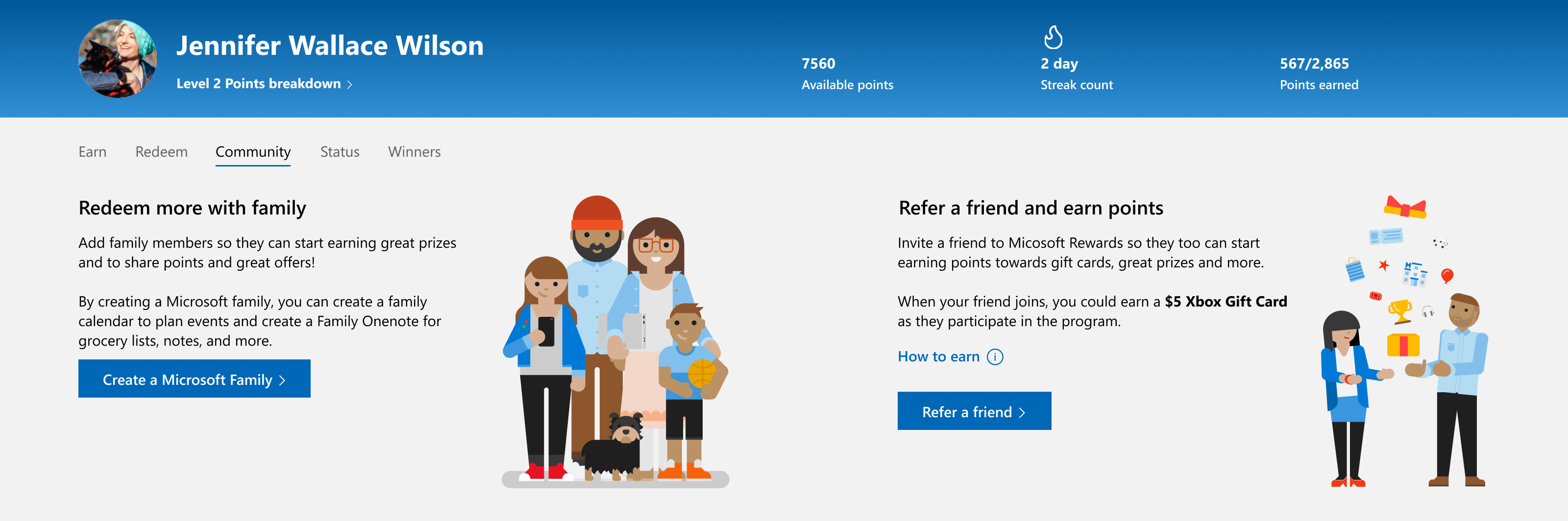
Before you have a community, the page leads with two ways to start one: create a Microsoft family, or refer a friend.
Compete, give and ask
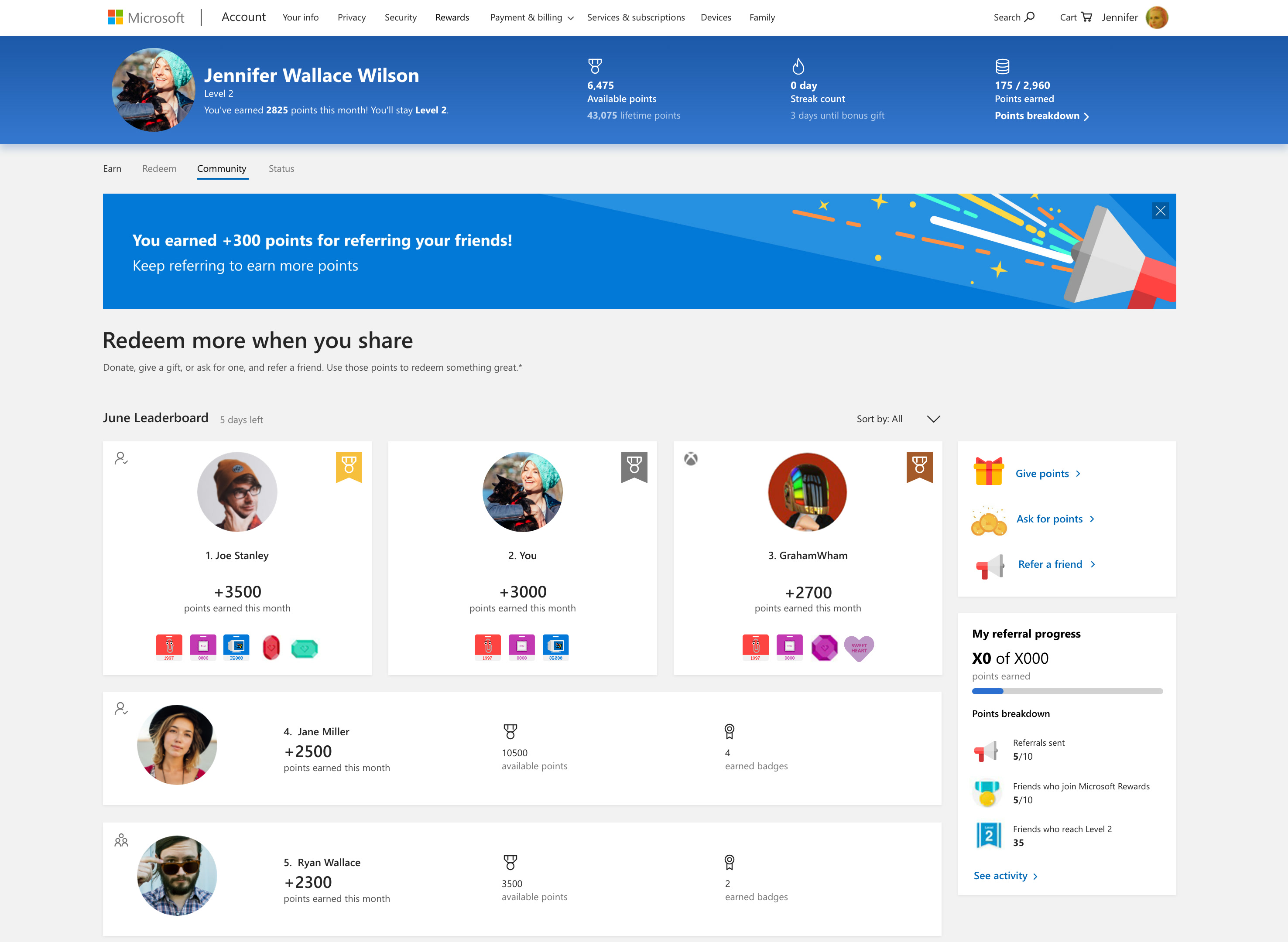
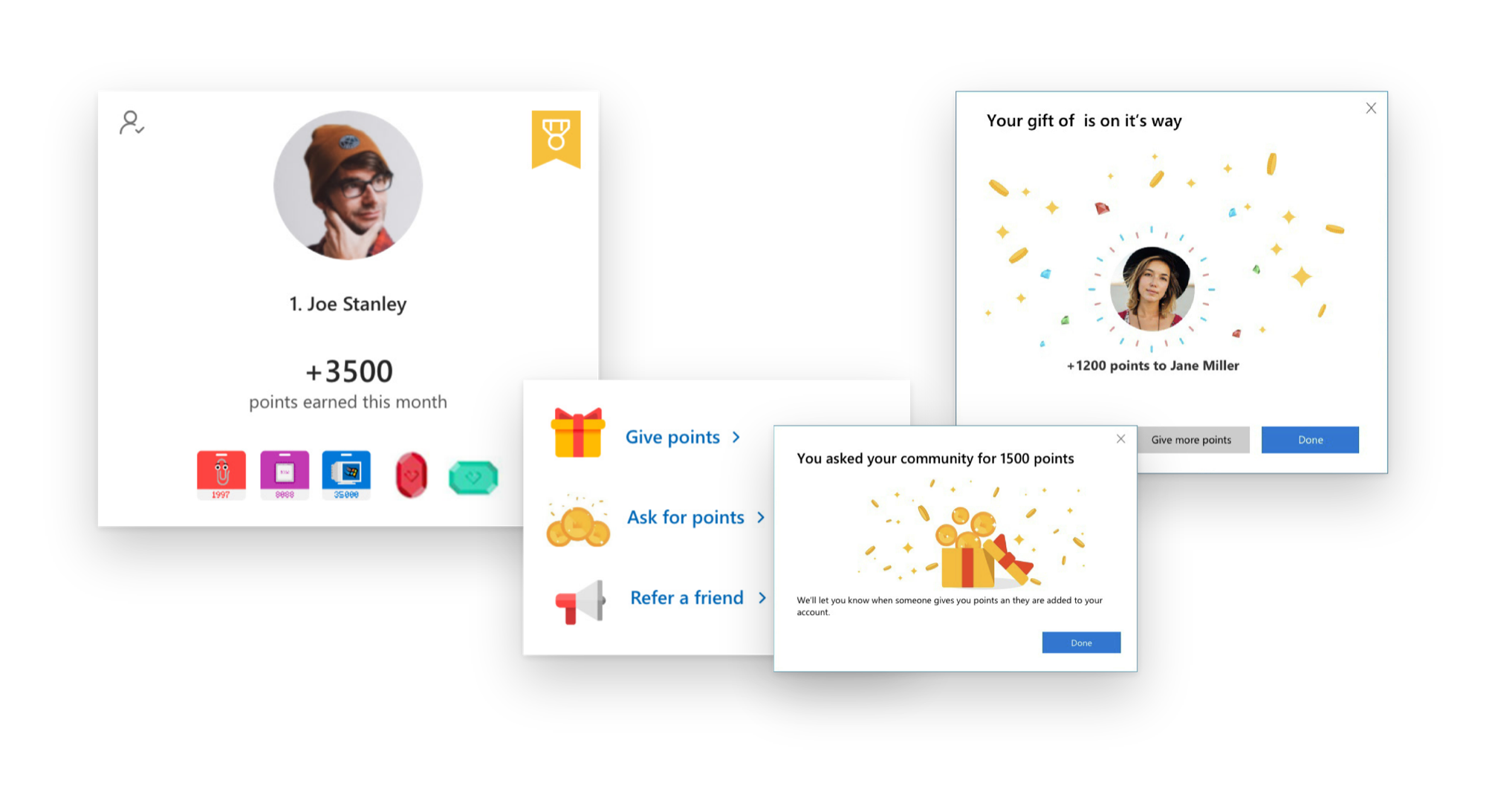
A monthly leaderboard of your friends, with a podium for the top three and the badges they've earned. Giving, asking for and referring points sit alongside.
Giving and asking for points end on a small celebration, so sharing feels like a gift rather than a transaction.
The part that shipped
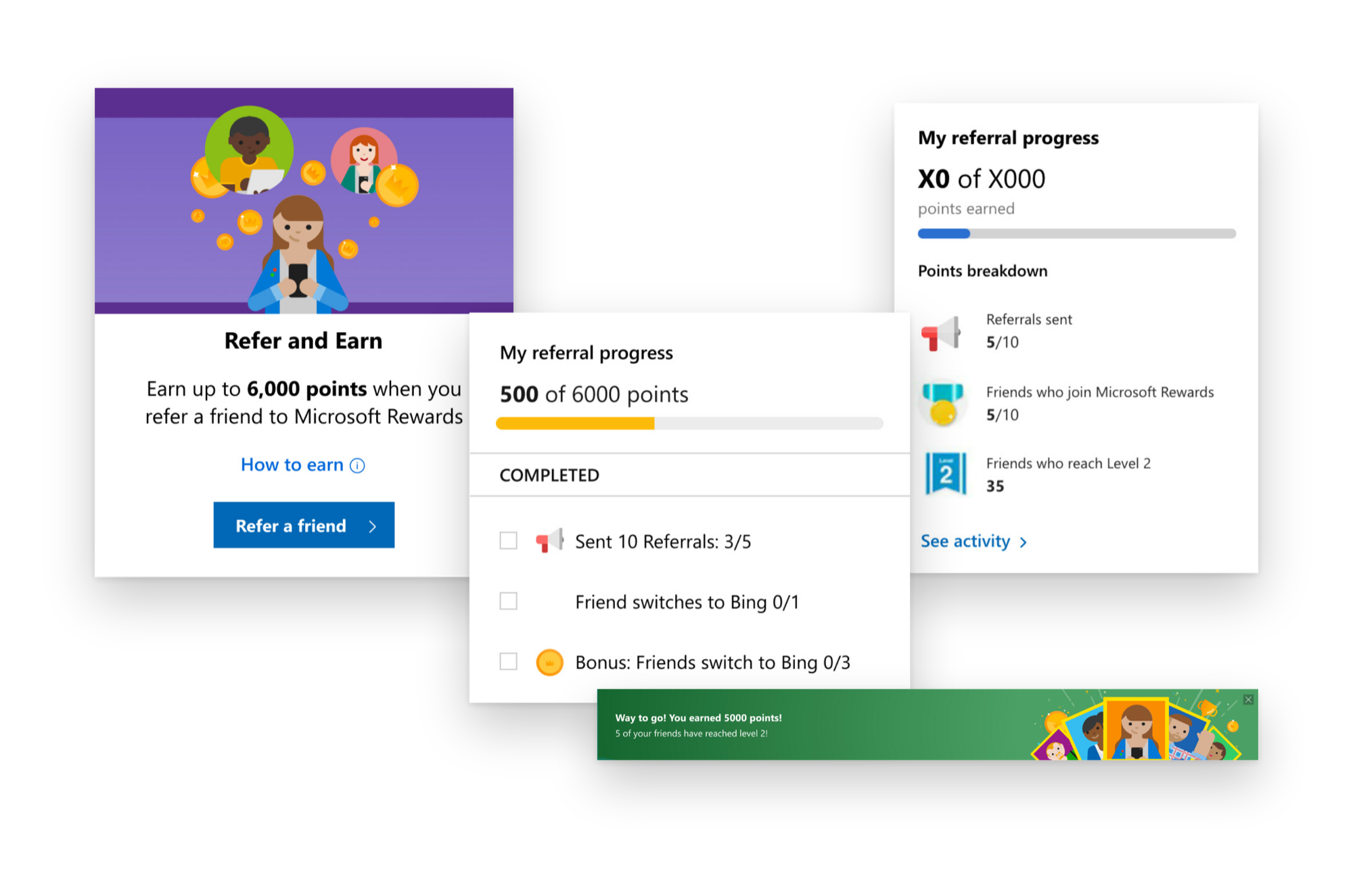
Invite a friend, then follow your progress as they join. Each milestone gets a banner to celebrate it.
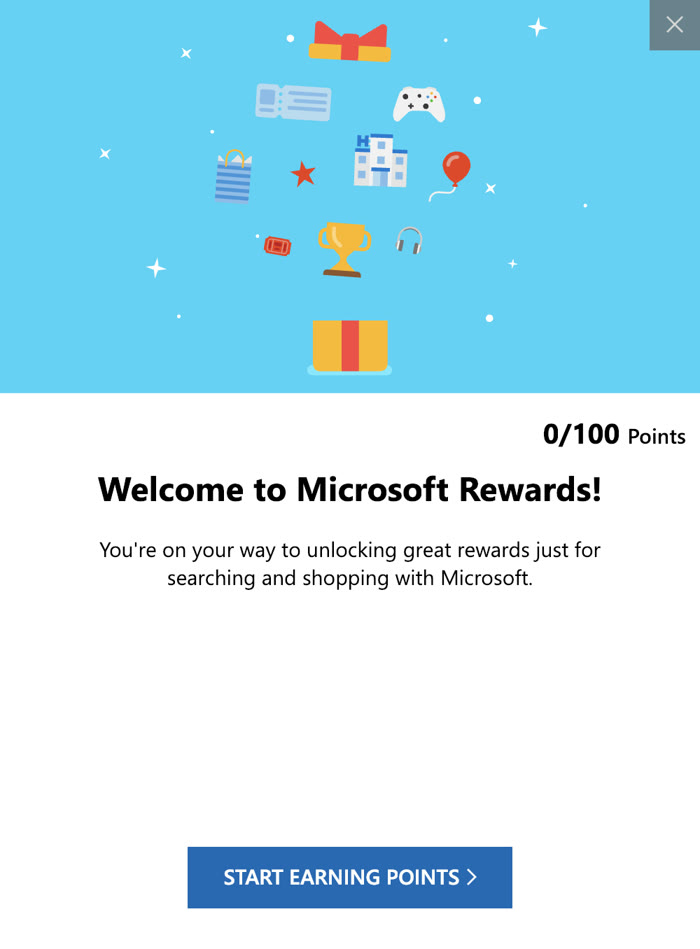
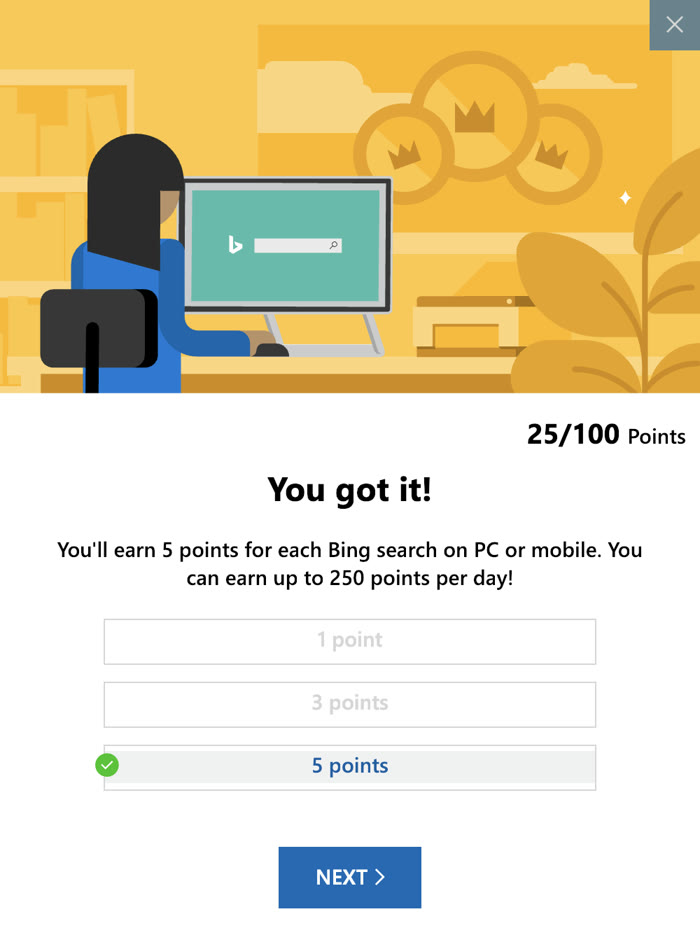
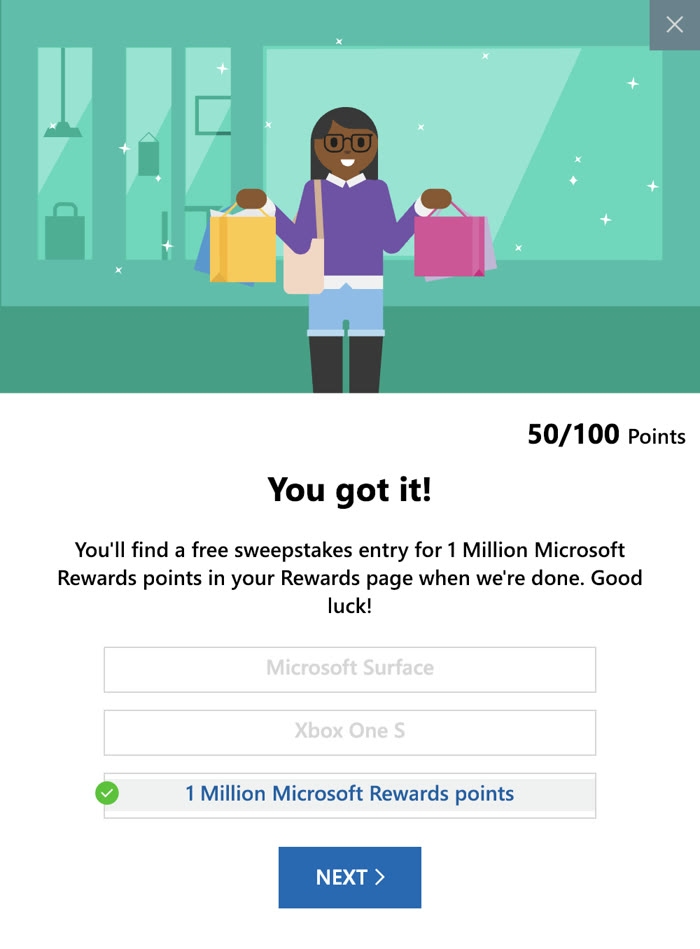
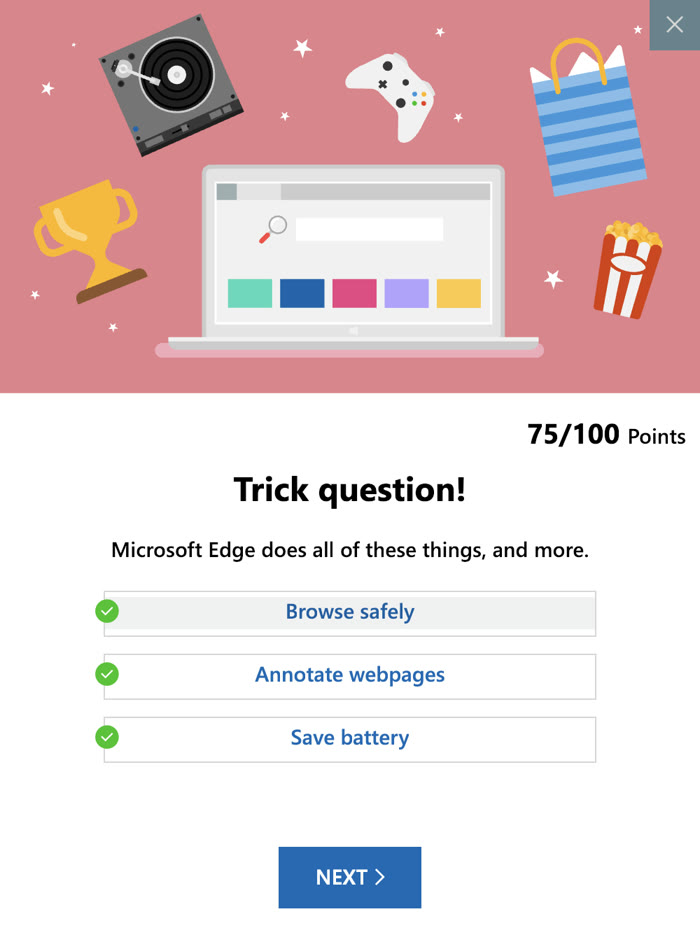
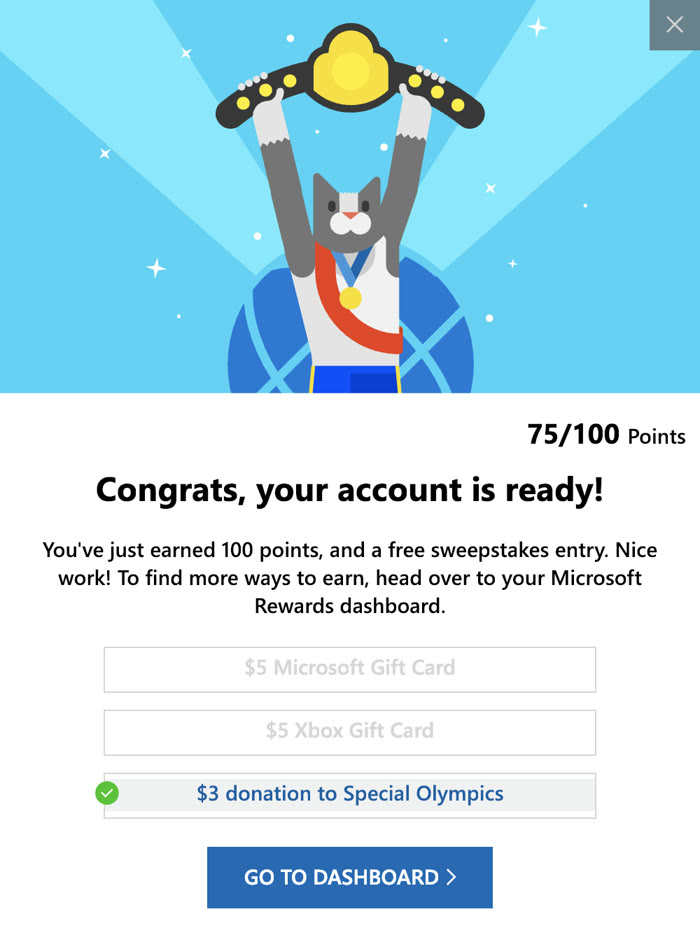
The friend you refer gets a welcome of their own: a few quick steps that fill a 100 point punch card.





 1
 2
 3
 4
 5
Phone and tablet
The Rewards dashboard is responsive, so every screen adapts down to phone size.